Versionen / 3.6
Notion 3.6: External Agents, HTML blocks, and more
Your agents shouldn’t be stuck in one-off chats. Now you can bring multiple agents into a single UI with the rest of your team, so you can automate entire workflows end-to-end.
And there’s a lot more. AI Meeting Notes now include speaker labels (a top request!), your Notion Agents can read and write more filetypes like Excel and PowerPoint, and you can build interactive HTML blocks, like an ROI calculator.
Orchestrate External Agents (Claude, Cursor, and more soon)

Some of your agents might live in CLIs, IDEs, and separate apps, doing solo work the rest of the team can’t see or build on. Now you can assign them tasks from a board shared with your whole team, @-mention them like teammates, and watch them run.
Claude and Cursor are the first two External Agents in Notion. That means you can reimagine entire end-to-end processes with full automation, right alongside the rest of your team’s work.
Smarter meeting summaries with speaker labels
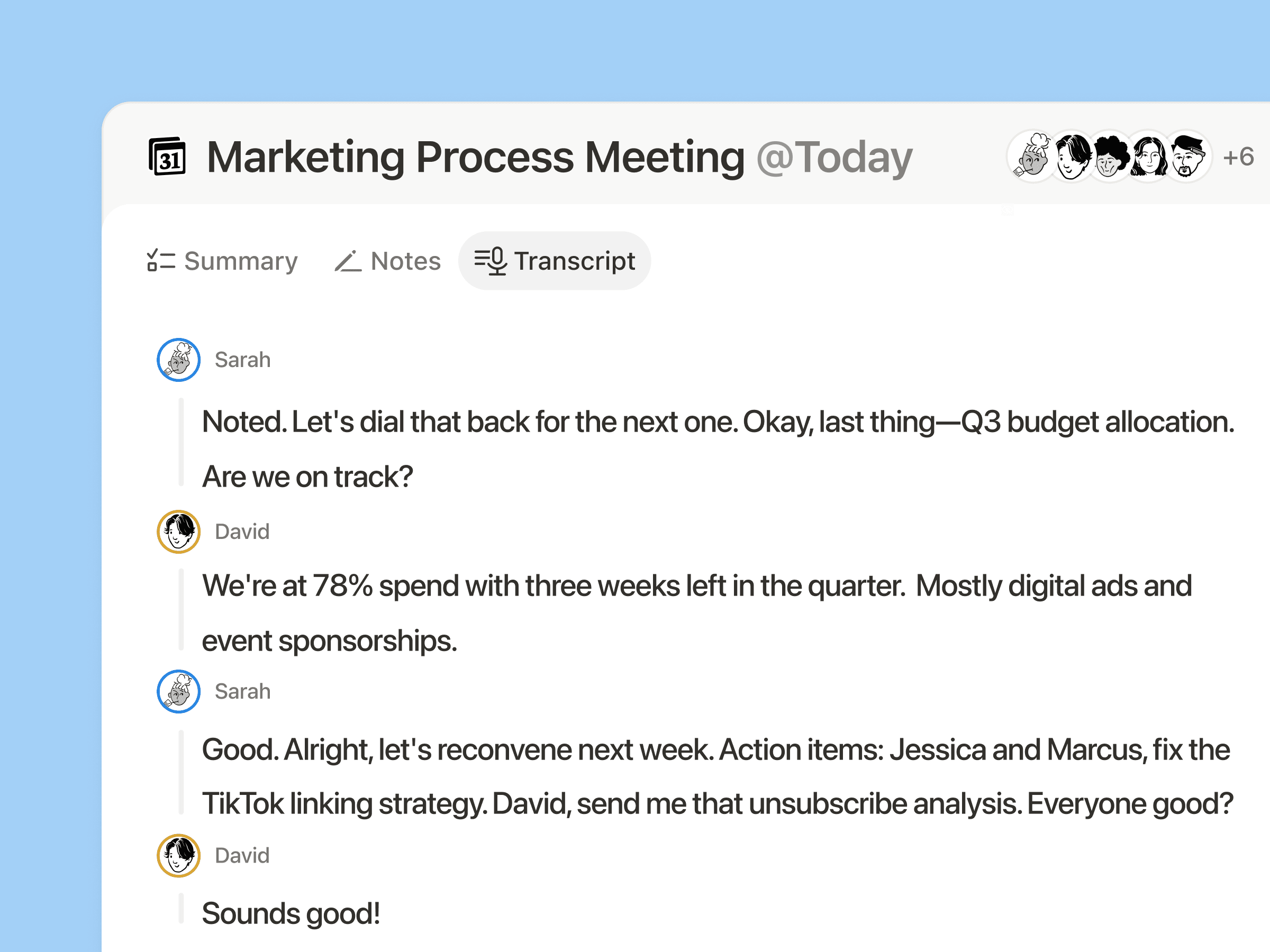
AI Meeting Notes now identifies speakers in your meetings, based on whose microphone is active. This improves meeting summaries and makes sure follow-ups are assigned to the right teammate. And this is just the beginning; we’ll keep making speaker identification even better!
Add interactive HTML blocks to your Notion docs
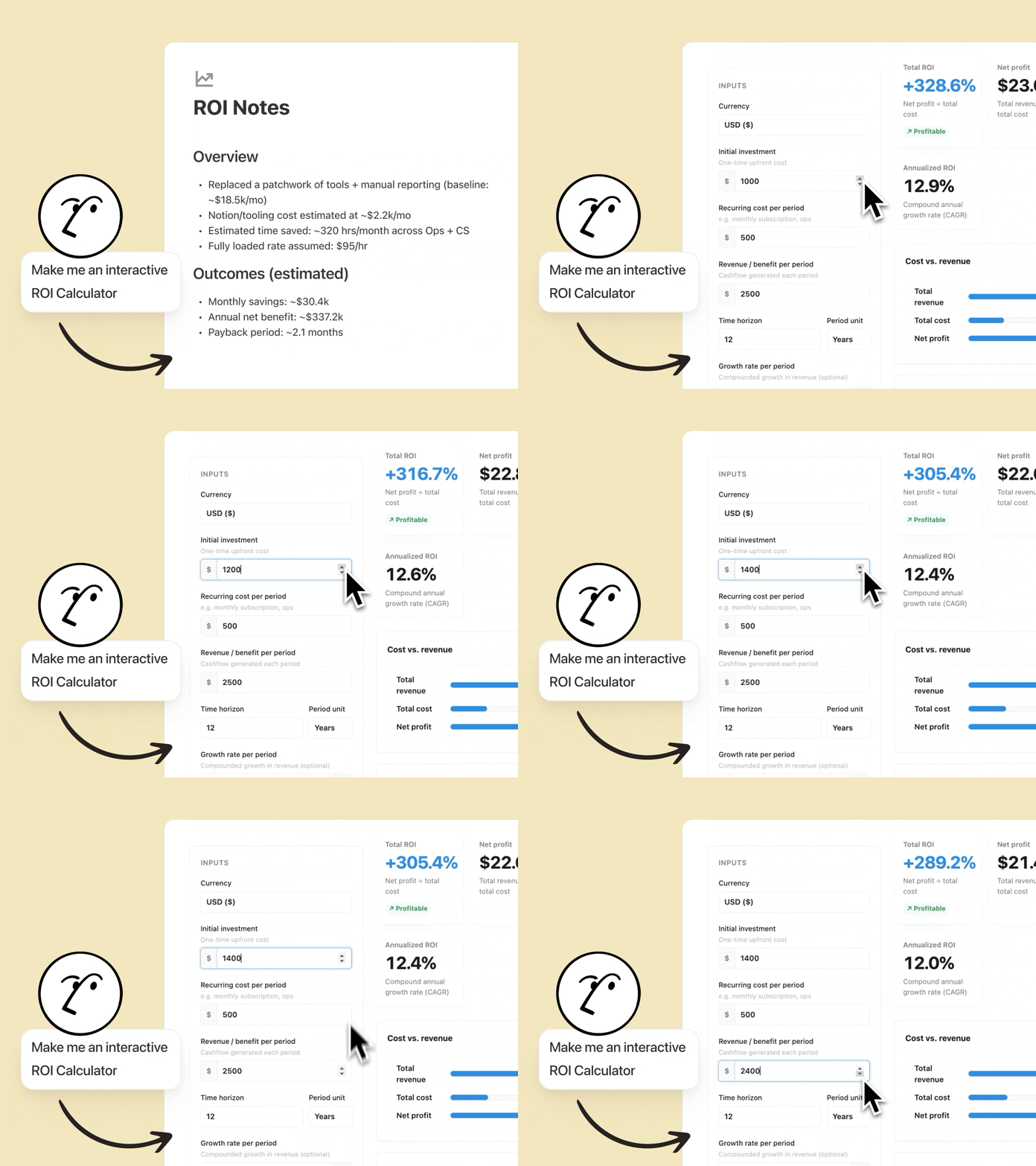
Notion Agents can now create interactive HTML blocks, and we can’t stop tinkering with them. The best part is that they live in Notion, so anyone on your team can use them or iterate on them. Some examples we love:
Build a ROI calculator: Watch your customers’ eyes light up when they see how much they’ll save by using your solution. Customize it with details like their industry or current tool stack.
Quiz your teammates: Turn a doc about your latest feature into an interactive quiz your team will remember. Your Agent will identify what matters, create relevant questions, and score results at the end.
Map your org chart: Visualize your people database as an org chart so new hires onboard faster and cross-functional work gets done. Do it directly in Notion, with no need to open another tool.
Your Notion Agents now speak Microsoft
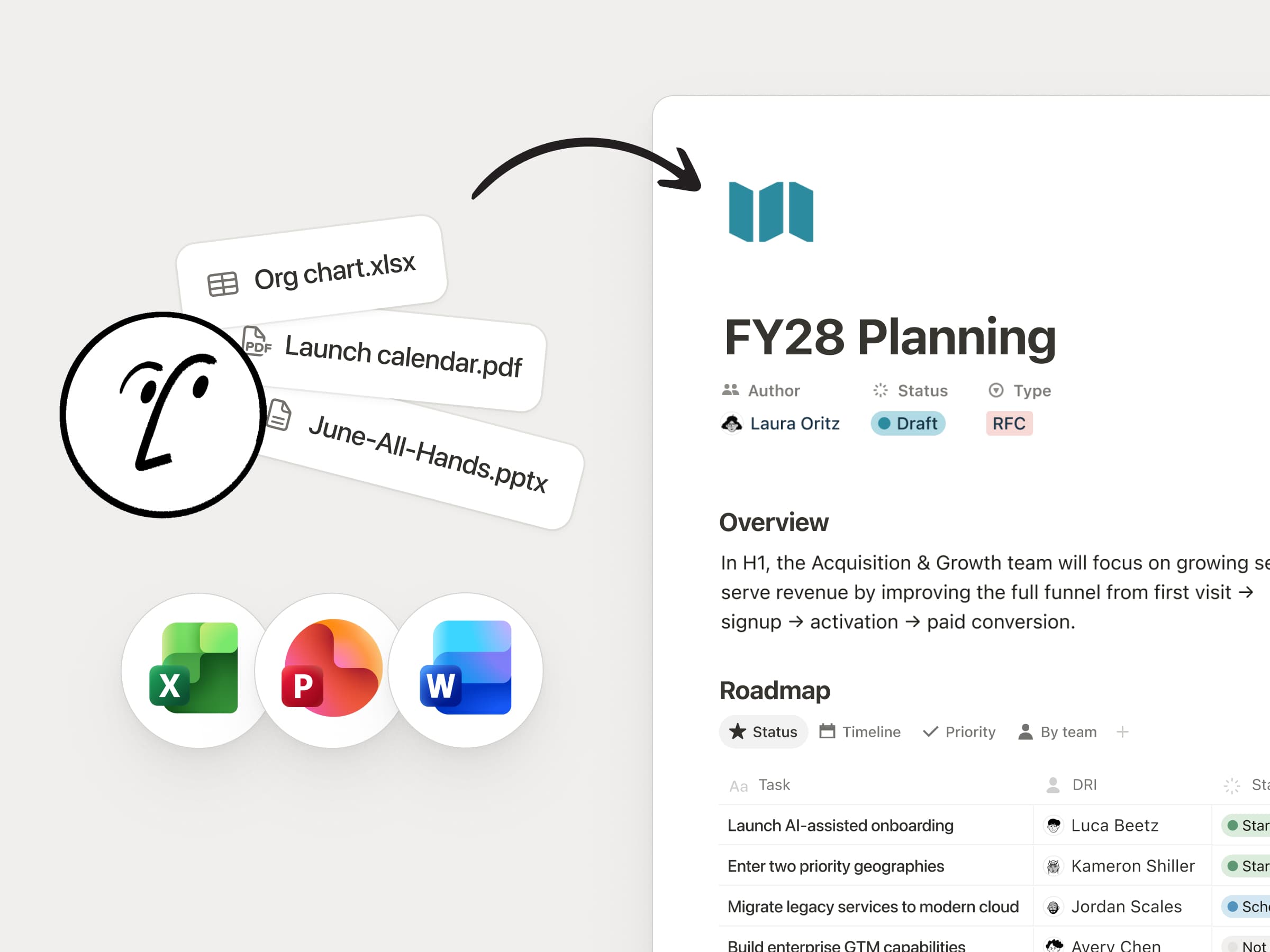
Your Notion Agents now work with PPTX, XLSX, DOCX, and more. Give your agents context by attaching spreadsheets, decks, Word docs, and PDFs—your agent reads them like any other source.
And your agents can create these files for you too: turn a page into a polished PowerPoint, spin a database into an Excel model, or summarize a pile of PDFs into one clean doc. Your legal and finance teams will thank you. Notion 🤝 Microsoft.
Your agent can use Outlook for you
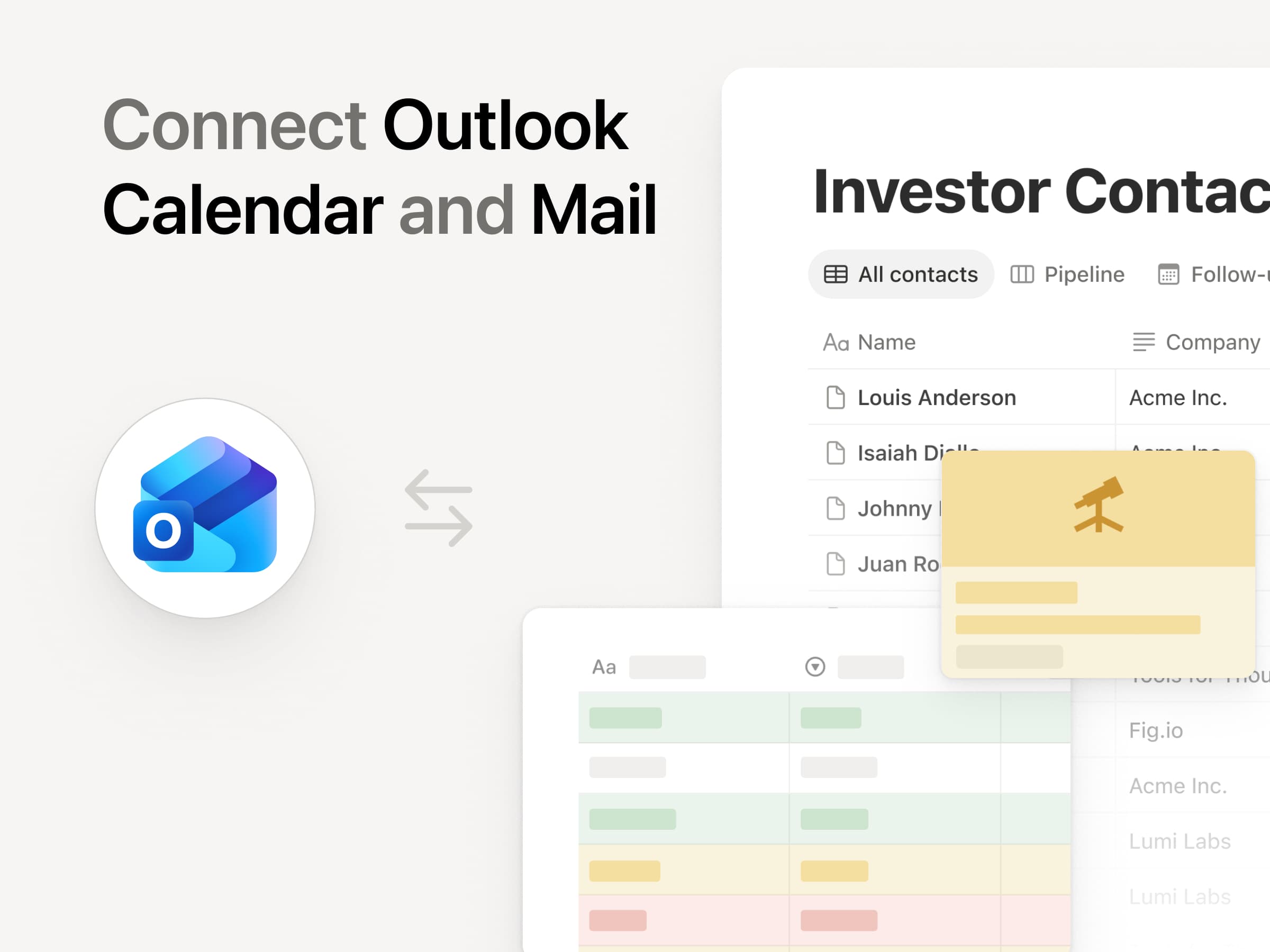
Another nice one for our Microsoft shops. Connect Outlook Mail and Calendar and your Notion Agents can run your inbox and your schedule for you. Triage incoming email, draft replies in your voice, and send messages; all you have to do is ask.
Your agent can find open times, schedule meetings, and keep your calendar in order so you spend less time wrangling logistics and more time on the work that matters.
Five new MCP connections for Custom Agents
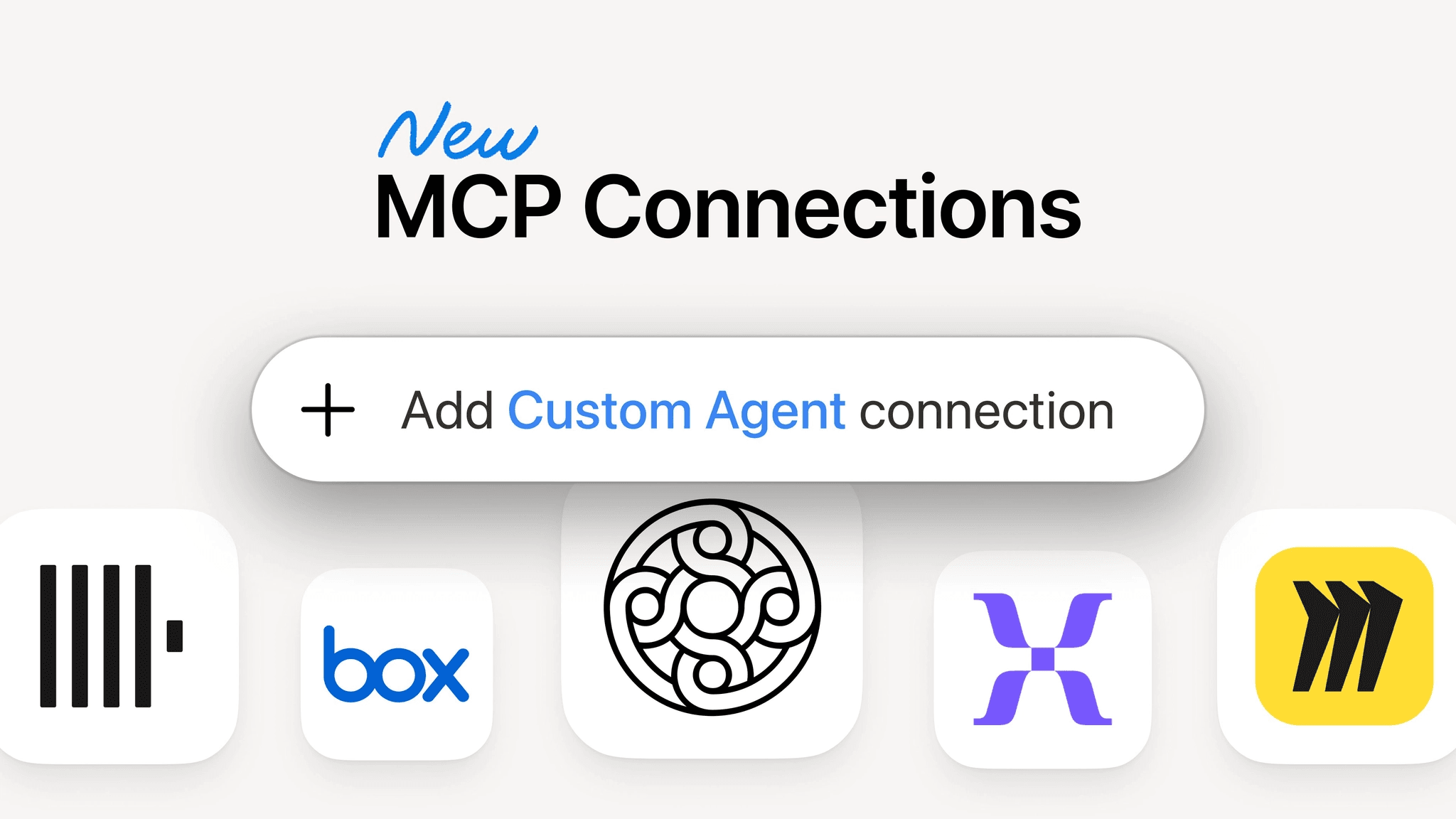
People are loving Notion MCP—usage has 10×’d in the past month. Now your Custom Agents get five more connections out of the box: Mercury, Mixpanel, Miro, Box, and ClickHouse.
They join the connections already available (like Figma, GitHub, Zapier), so your agents can pull financial data from Mercury, dig into product analytics in Mixpanel, or update a Miro board, all with no custom setup required. Find and connect every available integration from the new connections tab in your settings.
More models, without the lock-in
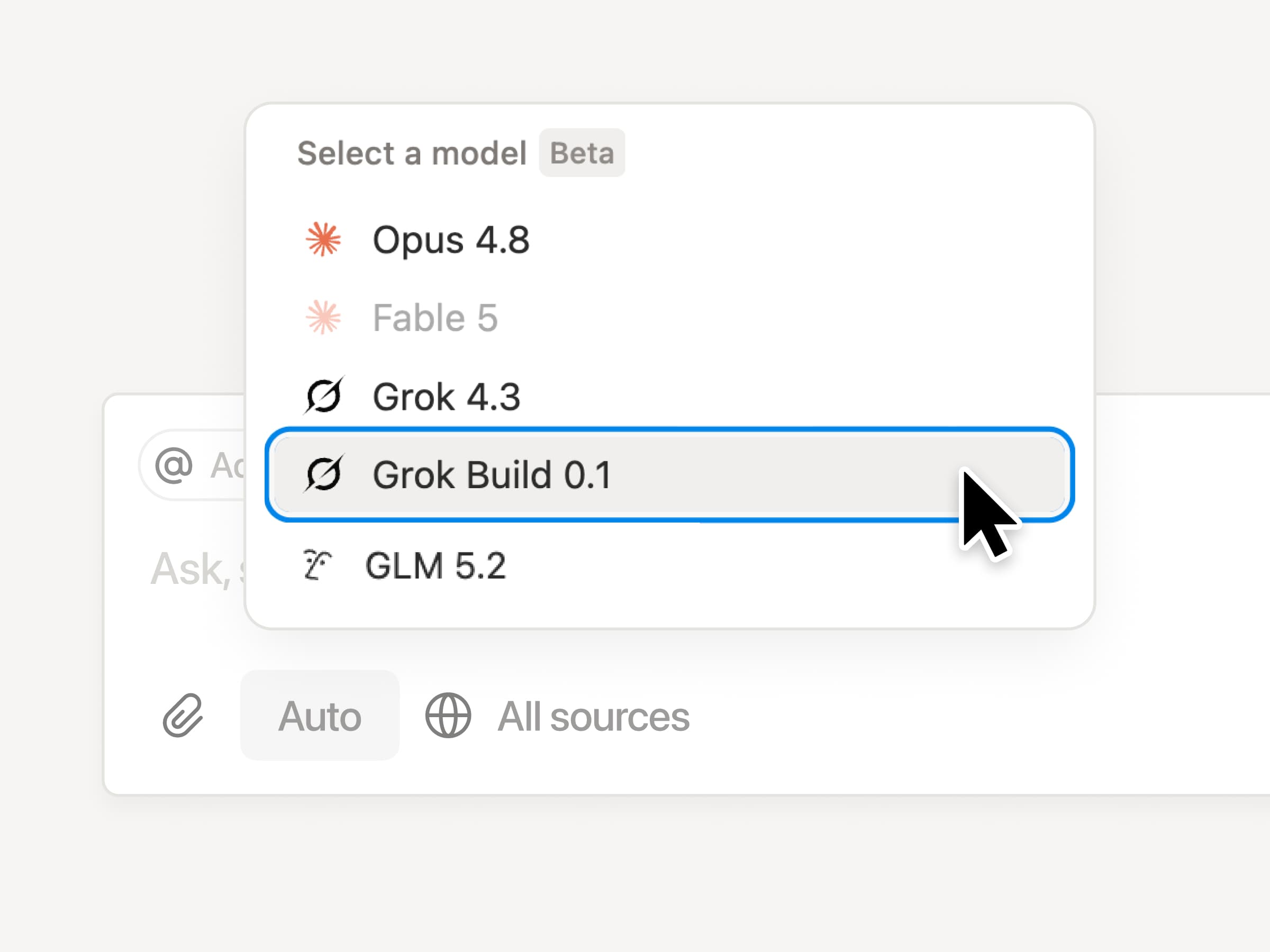
Your agents support a fresh lineup of new models, so you can pick the right brain for the job, whether you need speed, deeper reasoning, or a creative spark. Use the latest frontier intelligence from Opus 4.8 or Grok 4.3, or choose a more cost-efficient model like the new open-weight GLM 5.2.
Track Custom Agent actions in the audit log
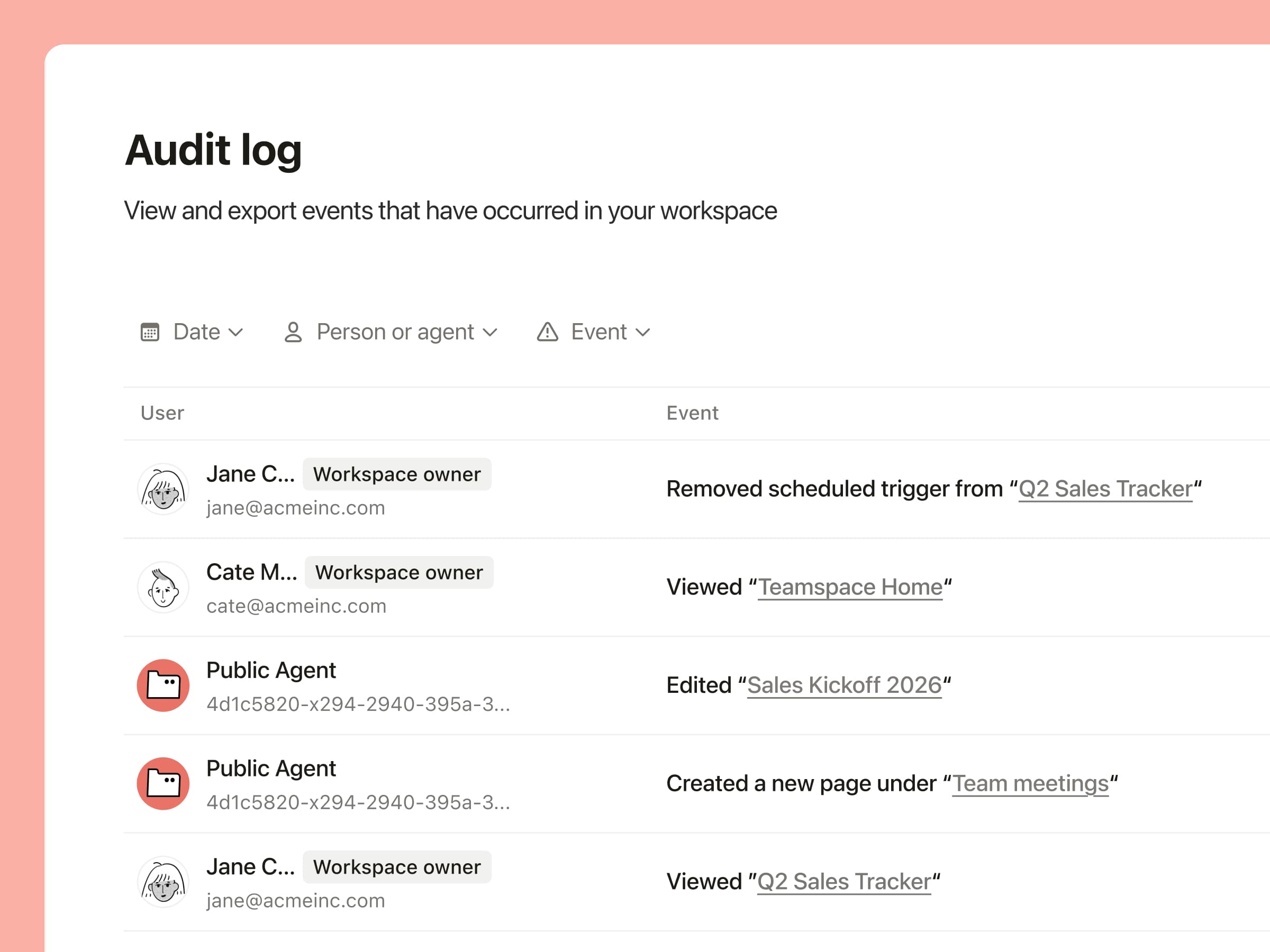
Your security team now gets more visibility into how AI is being used. The audit log includes Custom Agent activity, so you can see when an agent runs, what it changed, and who triggered it, making it easier to review workflows, troubleshoot issues, and stay compliant. Available on Enterprise.
And a few more …
Custom Agents for Slack Enterprise Grid: Custom Agents now work across your full Slack org. Talk to your sales rep or learn more.
Notion Workers in the credit dashboard: Find Worker usage in the Notion credits dashboard, so admins can track everything in one place. Learn more →
Build Notion Workers on Windows: Windows developers, you’re in. The Notion CLI now installs on Windows through npm, so building and deploying Notion Workers is no longer limited to Mac and Linux. Read the docs →
Upload audio to AI Meeting Notes: Bring meetings recorded elsewhere into Notion. Upload an audio file and AI Meeting Notes will transcribe and summarize it like any other meeting.
Duplicate custom agents: Found a setup that works? Copy any custom agent in a click and tweak it for a new team or use case—no need to rebuild from scratch.
Agents can use your people directory: Now you can give your agents access to your people directory, so they have more context about your team.